Editorial
Weglot vs Langify vs Shopify Translate & Adapt: who each fits
Updated
StoreAtlas editors
Read as Markdown · Before you buy
Weglot vs Langify vs Shopify Translate & Adapt is a three-job compare, not a scoreboard. Weglot is a translation layer: connect the site, machine-translate, then edit, with Shopify as one of the stacks it names. Langify is a Shopify-only theme and catalog translator for merchants who will still review strings. Translate & Adapt is Shopify's free first-party app — two auto-translated languages on the listing we opened, plus manual translations — beside Shopify Markets. StoreAtlas files all three as tools, not as a ranking. Confirm coverage on weglot.com, langify-app.com, and apps.shopify.com/translate-and-adapt the day you subscribe. This note is not a Best of translation apps list. It does not invent a winner, a fee, or a star rating.
Who is this for (and who is it not)?
You are in the right place if you run a Shopify storefront and you are choosing who should detect strings, who should sit inside the admin, and who should be the free first-party editor next to Markets. You are not the reader if you wanted a shopper coupon page, a duty calculator, or a scoreboard of "best Shopify translation apps."
We will not invent a language-count trophy or a word price. Official marketing pages publish large language numbers and traffic claims. Those figures move. Read the host you will actually pay.
Who fits each tool — and who does not?
| Job | Weglot | Langify | Translate & Adapt |
|---|---|---|---|
| Official site | weglot.com | langify-app.com | apps.shopify.com/translate-and-adapt |
| What it is | Translation layer across many stacks, including Shopify | Shopify-native theme, catalog, and third-party-app translator | Shopify's first-party editor for market languages and adaptations |
| Who it fits | Brands launching languages quickly without a localization engineering team | Shopify merchants translating the storefront who will still review strings | Merchants starting localization at zero software cost, often next to Markets |
| Who it does not fit | Teams that already run Crowdin as an engineering process and do not want a JS layer | A store that only needed a currency switcher | Teams that need agency workflows and extra SEO fields as the first day |
| Confirm on the official host | Word-based pricing, SEO/hreflang setup, Shopify connector | Plans, machine-word quotas, checkout limits | Auto-translate language cap, Markets assignment, Help limitations |
A proxy-style layer, a Shopify app with its own editor, and a first-party Markets editor can share a language list and still be different rooms. Mixing them is how a merchant buys a multi-platform overlay when they needed an admin string list, or a free two-language auto-translate when they needed a translation desk.
When is Weglot the right object?
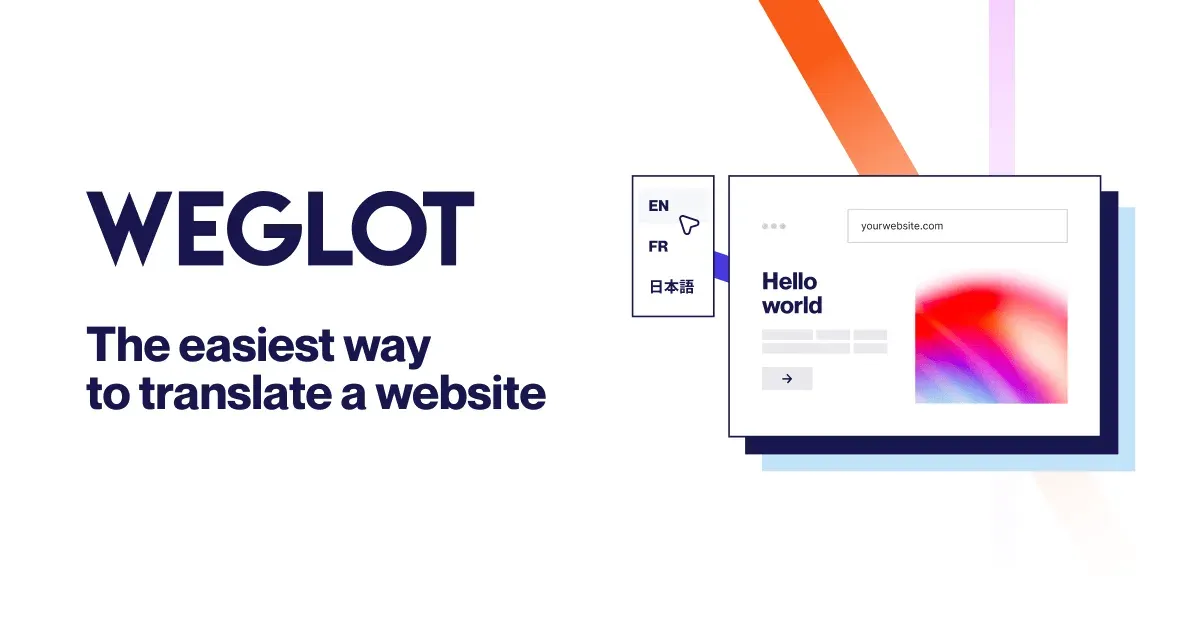
Weglot merchandizes website translation and multilingual SEO on weglot.com. The homepage we opened describes connecting a site, AI translation you can refine, and going live in more than one language. Shopify is one named stack, not the whole product. Official Shopify notes live at weglot.com/integrations/shopify.
It fits a brand that wants languages live without standing up a localization engineering process. It fits an operator who will still open the official SEO and pricing pages the day they subscribe — the directory already flags word-based pricing and hreflang setup as living on weglot.com.
It does not fit a team that already treats strings as code in Crowdin and does not want another front-end layer. It does not fit a merchant who expected Weglot to be a zero-fee admin toggle. Official pages publish language counts and traffic claims. Those are the vendor's numbers. StoreAtlas will not turn them into stars. Open weglot.com the day you subscribe.
When is Langify the right object?
Langify merchandizes Shopify store localization on langify-app.com. The page we opened describes a store-content editor, language-specific URLs, automatic hreflang and canonical tags, and translation of many third-party apps. The same FAQ says checkout pages cannot take third-party-app translations. That limit is the vendor's, not ours.
It fits a Shopify merchant who wants the translation job inside the store they already run, and who will still read strings after machine or imported copy. It fits an operator who will treat the official plan page as the contract — Langify publishes a Free plan and paid plans there. We will not paste a fee table.
It does not fit a store that only needed a currency switcher, a non-Shopify stack, or a merchant who wanted Weglot's multi-platform layer as the whole product. Confirm plans, machine-word quotas, and checkout limits on langify-app.com the day you subscribe.
When is Shopify Translate & Adapt the right object?
Translate & Adapt is Shopify's first-party app on apps.shopify.com/translate-and-adapt. The listing we opened is Free. It describes auto-translation for up to two languages, as many manual translations as you add, a side-by-side editor, and adapting copy between markets that share a language. Official Help is Add language translations using the Translate & Adapt app. Shopify also says the app can install when you add a language, and that some content types and languages stay out of scope — read that limitations section on Help, not this paragraph.
It fits a merchant starting localization at zero software cost. It fits a team already using Shopify Markets who wants the first-party editor next to country rooms. Languages and markets are not the same job. Markets builds the room. Translate & Adapt fills strings. Duties, domains, and who holds the international order live on the Markets vs Global-e vs Zonos note.
It does not fit a team that needed agency workflows or a multi-platform overlay as the first day. The directory already calls it thinner than paid apps. Auto-translate caps and limitations live on the App Store listing and Help. We will not invent a third language of free machine copy.
How do you choose without a score?
Name the job in one sentence before you open a pricing page.
If the sentence is "I need languages live fast on Shopify and maybe other stacks, and I will edit machine copy," start on Weglot and confirm the Shopify connector, SEO setup, and word price on weglot.com.
If the sentence is "I need a Shopify-only editor for theme, catalog, and many app strings, and I will still review them," start on Langify and confirm plans and checkout limits on langify-app.com.
If the sentence is "I want Shopify's free first-party editor next to Markets, and two auto-translated languages is enough to start," start on Translate & Adapt and confirm the cap and Help limitations on the official listing.
If the sentence is "I treat localization as engineering, not a store plugin," that is closer to Crowdin — another listing, not a rank.
If the sentence is "I need country rooms, duties, or a merchant of record," you are no longer on a translation compare. Use Shopify Markets vs Global-e vs Zonos.
A translated catalog is still a brand room. Allbirds merchandises fiber on the official locale you will pay. Pair that room with how to evaluate a Shopify store. If you landed here looking for a brand homepage, start on stores or stores vs tools vs platforms vs notes. Tools are utilities beside a storefront. Notes explain the job. They do not rank the shelf.
StoreAtlas lives at storeatlas.cc. It is not storeatlas.net and not HelloAtlas at helloatlas.io. We do not run Weglot, Langify, or Translate & Adapt accounts. Visit links go to official hosts.
Questions
- Does StoreAtlas rank Weglot against Langify against Translate & Adapt?
- No. The note files three jobs: a multi-stack translation layer, a Shopify-native string editor, and Shopify's free first-party Markets editor. We do not invent scores or a Best of list.
- Where are the official sites?
- Weglot at [weglot.com](https://www.weglot.com). Langify at [langify-app.com](https://langify-app.com). Translate & Adapt at [apps.shopify.com/translate-and-adapt](https://apps.shopify.com/translate-and-adapt). Confirm plans on the host you will actually open.
- Who does each tool fit?
- Weglot fits brands launching languages quickly without a localization engineering team. Langify fits Shopify merchants who will still review storefront strings. Translate & Adapt fits merchants starting localization at zero software cost, often next to Markets. Confirm coverage on the official page the day you subscribe.
- Is Translate & Adapt the same as Shopify Markets?
- No. Markets is the native multi-market layer. Translate & Adapt is the first-party editor for languages and market adaptations. Open the [Translate & Adapt Help page](https://help.shopify.com/en/manual/markets/languages/translate-adapt-app) the day you care.